Open source software for metal fabricators: 7 tools that open new possibilities
I run my own shop on open-source software, and these are the seven tools I reach for first. The list covers a Unified Namespace, an MES, an ERP, and the rest of the stack you can self-host for free. I explain what each one does and where it fits.
Do you want to run more of your shop on software you actually control, with no licence fee and no sales call to sit through? You can, and it costs nothing to find out.
Start with the problem you want solved. Sky-high CAD licences? No view of your machine data? An ERP that fights you? Paper work orders on the floor? For every one of those there is a professional tool you can download and run today, for free.
This is the world I work in every day. I help sheet metal companies digitalise, and my own toolkit runs to more than twenty open-source tools, most of which you can test on a laptop or a Raspberry Pi in the corner. Below is my current hotlist: the seven tools I reach for first, then a few more worth your time.
I wrote about this before:
First, three terms you will meet all through this list, in plain words: open source, self-hosting, and Docker.
What is open-source software?

Open source means the software's source code is public. Anyone can read it, run it, change it, and share it. Most serious projects are built by a community plus a company that earns its money on hosting and support around the free core.
What that gives you in practice: you are never locked to one vendor. Modern open-source software is modular (use only what you need), connectivity-first (everything talks through APIs), self-hostable (your data, your pace), and free to start. Run it on your own hardware and you often beat the cloud on performance.
I wrote about this before:
And there is a whole library of it for a manufacturing business: a data backbone, ERP, MES, dashboards, document management. All covered below.
What is self-hosting, and why did it get easier?
Self-hosting means you run the software on a computer you control: a server in your office, a rented cloud machine, or the old PC in the corner. The usual alternative is the vendor running it for you and charging per user, per month. Host it yourself and your data stays with you, and the software keeps working whether or not the vendor does.
Self-hosting used to mean slow, fiddly setup and a quiet worry that you would be the one keeping it alive. That has changed. AI coding assistants on the command line, like Claude Code and Codex, spin up a tool, wire it together, and get it running in minutes. When something needs adjusting, you ask, and it writes the change.
That is the real shift. You get the speed of a managed product with the control of owning it. You host it yourself, modify it, and build your own add-ons, without a team of developers. The old trade-off between control and convenience has mostly gone away. And the shop that controls its own open, connected stack is the one that can actually put AI to work on top of it.
What is Docker?
Docker is a free program that runs other software in containers. A container is a sealed box that holds an application and everything it needs, so it runs the same on any machine: you pull it, start it, done. Nearly every tool on this list ships as one.
You do not need to be a sysadmin for this anymore. Between the graphical managers and an AI assistant that writes the commands for you, standing up ten tools to try is an afternoon.
The shortlist at a glance
| Tool | What it does | Self-hostable |
|---|---|---|
| United Manufacturing Hub | Unified Namespace, machine-data backbone | Yes |
| Eryxon Flow | MES for metalworking | Yes |
| Odoo | ERP / MRP | Yes |
| Carbon | ERP / MES / QMS / MRP | Yes |
| Grafana | Dashboards on your data layer | Yes |
| Supabase | Full backend to build custom apps | Yes |
| Node-RED | Connect, transform and automate | Yes |
| FreeCAD | CAD / design | Yes (desktop) |
| Nextcloud | Files, documents, CAD viewing | Yes |
| Linux | Operating system | Yes |
The seven open-source tools I use most
1. United Manufacturing Hub
Open source The UNS backbone 50+ connectors
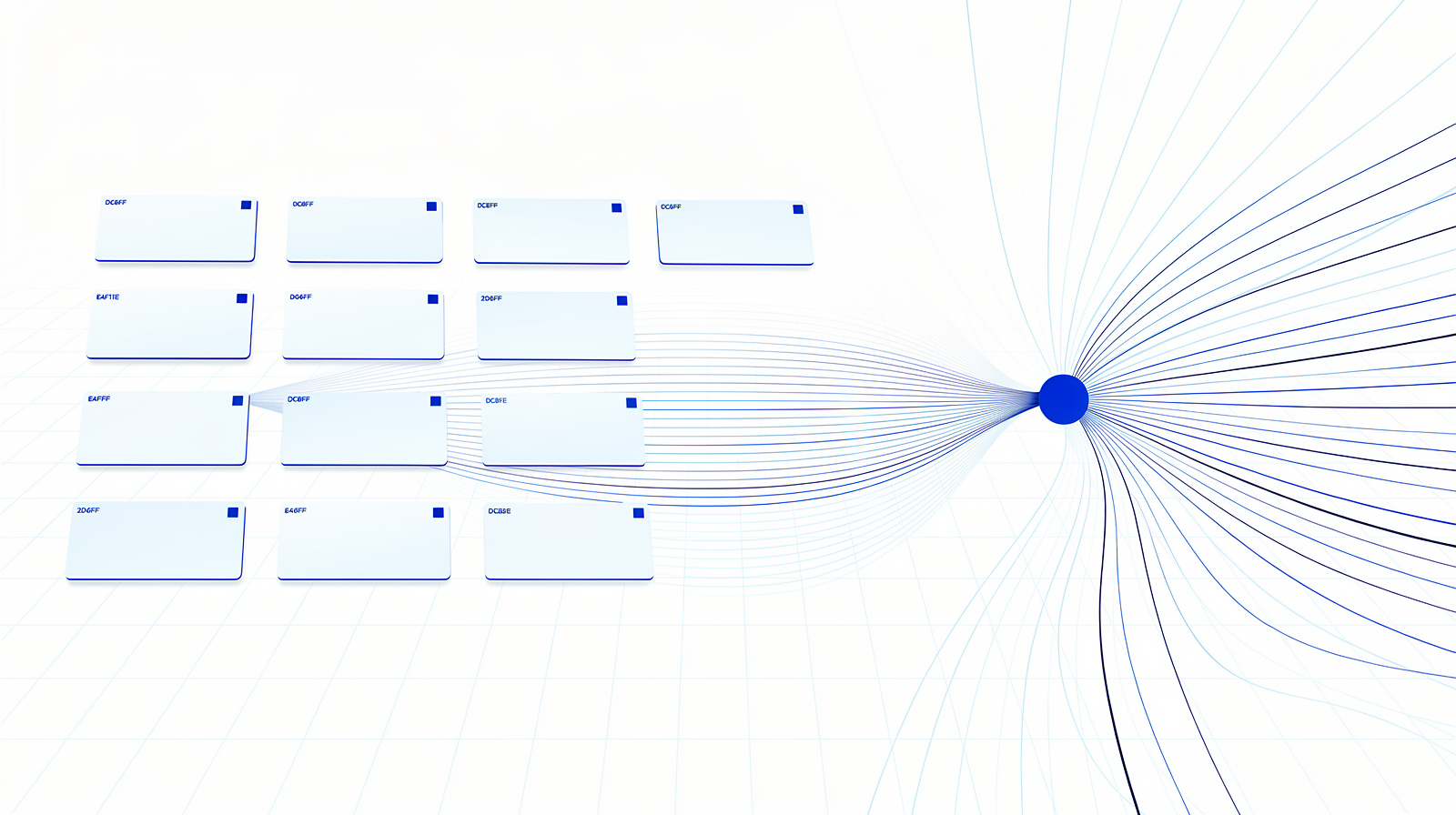
umh.app. If you take one thing from this list, take this. UMH is the open-source way to build a Unified Namespace, the single real-time source of truth your whole factory reads from. The latest UMH Core is a lightweight, single-container edge gateway: the UNS at its heart, an optional historian, and a stream engine (Benthos-UMH) with 50+ ready-made connectors for the protocols you already run, OPC UA, Siemens S7, Modbus, MQTT. You point it at your machines and your own tools, and you manage the whole thing, configs included, from one console. It saves a mountain of integration time.
What a UNS is and why it comes first, I wrote up in full:
2. Eryxon Flow
Source public High-mix job shops Built on Supabase
eryxon.eu. Full disclosure: this one is mine. Eryxon Flow is an MES for metalworking with its source code public: the Community edition is free for a single production site, and every release becomes fully open source (GPL) after four years. It runs the floor: work orders come in, each job is tracked in real time, and operators get a clean digital work order instead of a paper stack in a tray. It is built on Supabase (also on this list), and it is made for small and midsize metal shops that want real production control without a heavyweight system. Try it, and tell me what is missing.
🔗 eryxon.eu · 🔗 Source on GitHub
3. Odoo

Open source Business platform Grows with you
odoo.com. A modular business platform from Belgium that brings CRM, sales, purchasing, inventory and manufacturing into one place, all in the browser with modules you switch on and off. The free Community edition covers a lot with no user limit, manufacturing included: bills of materials, work orders, routing and MRP planning. Two things to know. The current release is Odoo 19. And full accounting lives in the paid Enterprise edition, but the community (OCA) maintains free accounting modules that fill the gap, so you can run a genuinely free stack if you want. Start on Community and only pay when you truly need the extras.
4. Carbon
Source public ERP + MES + QMS AI-native
carbon.ms. A modern, API-first ERP, MES, QMS and MRP in one system, built for high-mix, configure-to-order and contract manufacturing. It ships an open API and MCP, so AI agents can plug straight in, plus a native Onshape integration. It is open source and moving fast, a community-driven product from a smaller team. Check the licence for the details: free to use, with a commercial licence for keeping private modifications. The philosophy is what I like: manufacturing software built by people who understand manufacturing.
🔗 carbon.ms · 🎥 Carbon Academy (guided tour)
5. Grafana

Open source Live dashboards Reads your data layer
grafana.com. The screen everyone actually looks at. Grafana turns data into live dashboards: OEE, energy use, production progress, quality. It reads from your databases and historians, so it sits on top of your data layer rather than wiring into machines itself. That is the right order. First you collect and contextualise your data (UMH or Node-RED do that), then Grafana makes it visible. Keep it simple: big numbers, clear colours, real-time. Hang a screen in the workshop and people will watch it.
6. Supabase
Open source Full backend Vibe-code on it
supabase.com. The full backend, open source. Postgres database, authentication, file storage, edge functions, real-time, and auto-generated APIs, the whole stack you need to build a proper application without gluing ten services together. Point an AI coding assistant at it and you can vibe-code a real internal tool in days: a customer portal, a job tracker, a custom view of your factory data. Use it where a custom build earns its keep, and lean on proven tools for the rest.
7. Node-RED
Open source The glue Shop-floor protocols
nodered.org. The glue between everything. Node-RED is a flow-based, low-code tool (open source, now under the OpenJS Foundation) where you wire machines, APIs and services together by dragging nodes onto a canvas and connecting them. It speaks the shop-floor protocols through community nodes, OPC UA, Modbus, MQTT, Siemens S7, so it can pull data off a machine, reshape it, and push it wherever you need.
It can even host an OPC UA server to expose your data cleanly, and Dashboard 2.0 lets you build operator screens right inside it. Laser finishes, trigger a step in the ERP, email planning, update the historian. When something breaks, you see exactly which node. It runs on anything from a Raspberry Pi to a server.
More open-source tools worth a look
FreeCAD and friends
Open source Parametric 3D CAD Sheet Metal workbench
CAD/CAM is the one real gap in open source. The commercial packages lead here, and open options exist for the everyday jobs.
freecad.org. Open-source parametric 3D CAD. The 1.0 release brought a stable core, and the current 1.1 builds on it: daily design work is realistic now. It is no SolidWorks replacement. For opening a STEP file, tweaking a DXF or checking a model, it is more than enough. Add the community Sheet Metal workbench from the Addon Manager for unfolding, bends and corner reliefs, and pair it with LibreCAD for quick 2D. Why pay thousands a year to tweak a DXF twice a month?
Nextcloud
nextcloud.com. A self-hosted platform for storing, syncing and sharing files. Your own Dropbox, under your control, with version history and access control. The standout for a fab shop: the CADViewer app opens DWG, DXF and DWF files right in the browser. Drawings stay on your own server, so no more expired share links at a customer.
Linux
Ubuntu or Linux Mint. A free, friendly alternative to Windows for the machines that run browser apps, dashboard screens, Docker servers, or old hardware that cannot handle the latest Windows. Every tool here runs on it. Never throw away working hardware. Put Linux on the old machines and give them a second life.
How to start

Go back to the irritation you started with. Pick the one tool here that hits it, download it, and give yourself a month with it. Bring in the one or two people on your team who like trying things. And go one tool at a time: learn from it, then build out.
Questions I get about open-source tools
Is open source safe for a production business?
What should I install first?
Do I need a developer on staff?
What does self-hosting cost in effort?
Can these tools talk to my existing ERP?
Your move
Open-source software is professional tooling today. The tools are professional, the communities are active, and with AI on the command line, the shop that controls its own foundation is the one that gets to use it. So pick one tool, download it today, and spend an hour with it. And when you want the whole stack designed as one connected factory, that is what my services cover.
Which one will it be? And which open-source tools are you already running? I would like to know.