The Ultimate Guide to Sheet Metal Quoting Software (2026)
I rank the seven quoting systems worth evaluating for a metal shop in 2026. The guide covers the five routes the market takes, from CAD plug-ins to cloud platforms you build on, and what AI changes in estimating. You also get the setup tips that decide whether the software pays off.
Do you want to respond quicker to quotation requests? Do you want to lower the administrative steps between estimating and quoting?
If so, you know that it is difficult, because sheet metal estimating determines your profitability. You cannot really cut corners there.
So, what do you do?
Many businesses solve it with automated quoting software. This guide gives you the seven systems worth your evaluation time in 2026, ranked by where I see them fit, the five routes the market falls into, what AI genuinely changes, and the setup tips that decide whether the software pays off.
Why shops buy quoting software
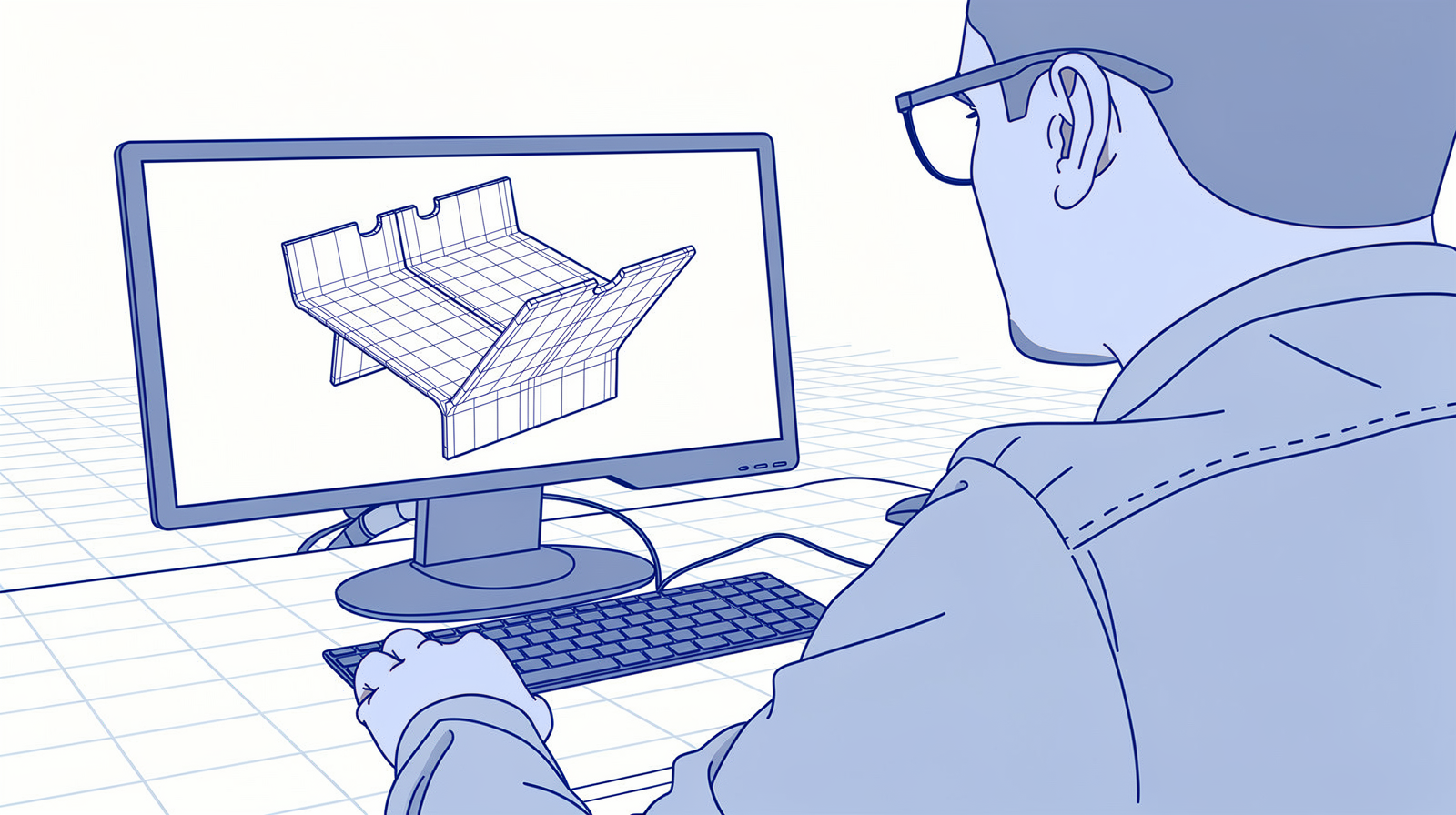
In practice it is almost always the same three reasons. The founder is quoting late at night, because RFQs need deep understanding and land on the most senior desk. There is no consistency across projects, so the same customer gets a different price depending on who calculated it. And nobody has an overview of the margins until the year is over.
That middle one is the biggest risk in any quoting operation: different prices from different employees. It happens automatically the moment several people quote without one shared set of rules.
A good quoting system solves exactly those things: the data entry, the preparation work, the visibility, and the margins. It gives you a single source of truth for how you quote: one set of rates, rules, and methods for everyone. And the master data you build up while quoting flows forward, because a part that was calculated well arrives in production with its routing already thought through. Good quoting improves your manufacturing.
How automated quoting works
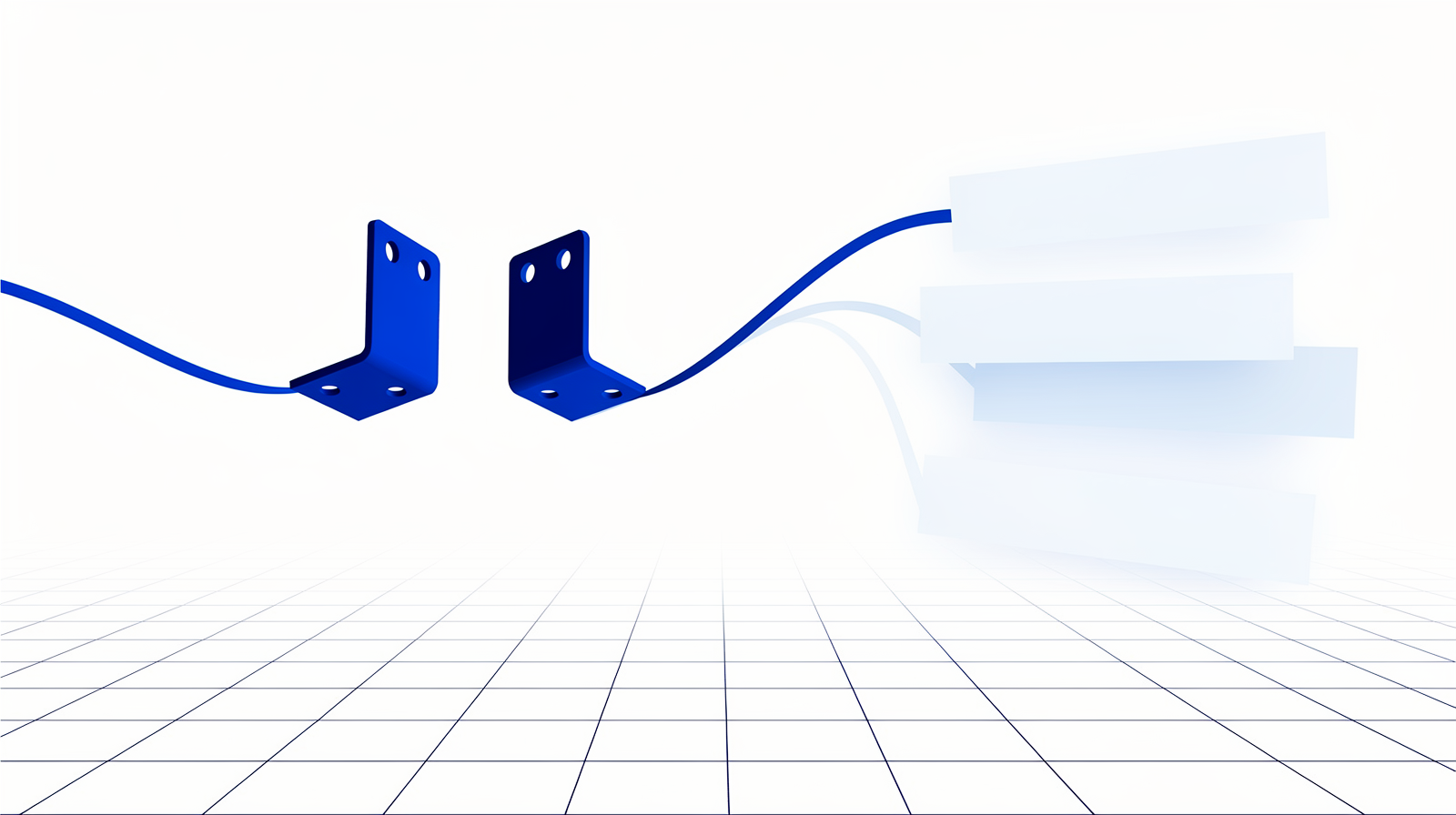
Everything starts with a drawing or a model. The software imports the file, unfolds 3D parts, recognizes the features (bends, holes, contours), determines the working steps, and calculates times from machine data. You add materials, extra operations, set-up times, and margins, and out comes a quote in minutes instead of hours.
When you evaluate a system, check four things:
- It integrates with your other systems, your ERP above all, or every won quote becomes retyping work.
- Estimates rest on actual machine data, cutting tables and real cycle times, so the big projects come out right.
- Extra work steps are configurable: post-processing, packaging, shipping. Otherwise you finish every quote somewhere else.
- Bonus points for a customer-facing web shop, manufacturability checks, and wide file support (STEP, DXF, DWG).
The five routes quoting software takes

The market falls into five shapes, and knowing them saves you from comparing apples with pears:
- CAD add-ons (SolidWorks Costing, Inventor with iLogic): quick price indications inside the tool your engineers already know. No nesting, so limited final accuracy.
- CAM add-ons (TRUMPF TruTops Calculate, Lantek iQuoting, Hexagon RADAN Quoting, LVD CADMAN-SDI, MesserSoft OmniFab): estimates on the same machine tables that run production. Strongest on cutting, weakest once welding and assembly enter.
- Dedicated on-premise packages (Costimator, PROfirst CALC): every operation, brand-agnostic, from an earlier software generation.
- Cloud platforms: where the momentum is. The list below lives mostly here.
- Your own build: real in 2026, with cautions I cover further down.
The 7 best quoting solutions for metalworking in 2026
| # | System | Type | Best for |
|---|---|---|---|
| 1 | QuotationFactory | Cloud platform + portal | High-mix, assemblies, agentic integration. From a few people to hundreds |
| 2 | Paperless Parts | Cloud platform | US shops of any size, AI drawing intake |
| 3 | SPI | CAD add-on | Small to midsize, building on SolidWorks or Inventor |
| 4 | Oroox Quote | Cloud platform + shop | European instant quoting with AI feedback |
| 5 | Tempus Tools ToolBox | Cloud platform | Laser shops, CAD repair, web store |
| 6 | CADDi | Drawing data + AI quote | Drawing-heavy shops, agentic drawing recognition |
| 7 | Stella Source | Cloud estimating | Estimating with true-shape nesting (the former SecturaFAB) |
1. QuotationFactory
Where I integrate most High-mix + assemblies CLI + agentic
QuotationFactory (formerly marketed as Rhodium24), from Eindhoven, is the platform I have done the most integration work with, and the one I see fit best when the work is high-mix with complex assemblies and many operations. It automates the flow from CAD upload through analysis to quote, helps organize the office workflows around it, and makes the best customer portals I have seen in this market.
What sets it apart for me is integration. It recently released CLI connectivity, which makes it a first-class citizen in an agentic workflow: I have built my own integrations on it, including connections to TRUMPF's laser cutting software and LVD, and agents that work with it directly. The platform is modern, tenant-separated, and works from a few people to hundreds. Their onboarding has become genuinely good.
🔗 quotationfactory.com · 🎥 Customer showcases
2. Paperless Parts
US reference AI drawing intake Any size
Number two on my list, and I admire what they are doing. Paperless Parts is the North American reference for quoting and front-office collaboration, mostly in the US and branching out. Its Wingman assistant reads the drawing itself, bends, welds, threads, finishes, critical callouts, and flags the risk before you price it.
🔗 paperlessparts.com · 🎥 Demo videos
3. SPI
German engineering Small to midsize Builds on your CAD
Number three takes the opposite route: SPI, from Germany, builds on top of the CAD software you already run. The SheetMetal Calculator adds rule-based, real-time costing inside both SolidWorks and Inventor, which makes it a natural fit for smaller and midsize shops where the engineers already live in CAD.
Decades of sheet metal specialization sit underneath it, and because it works from the native model, the calculation follows the geometry instead of a re-entered abstraction.
🔗 spi.de · 🔗 SheetMetal Calculator
4. Oroox Quote
Instant quoting AI feedback European
Oroox takes the AI angle furthest in Europe: instant manufacturability feedback from its AI engineering advisor while the customer is still uploading, wrapped in a commerce layer for direct ordering.
In the Netherlands it is represented by AESC, the same specialist behind the Calculate work-prep tool below, which makes local support part of the package.
🔗 oroox.com · 🔗 Oroox Quote
5. Tempus Tools ToolBox
Laser specialist CAD repair Web store
The laser shop specialist: 3D unfolding across dozens of formats, automatic CAD repair with its Drawing Doctor, PDF-to-CAD, and a customer web store, built by people from the laser world.
If cutting is your business, this is the focused option: the Drawing Doctor cleans customer files automatically, and the web store lets your customers order cut parts directly.
🔗 tempustools.com · 🔗 ToolBox
6. CADDi
Drawing intelligence Agentic recognition Similarity search
CADDi comes at quoting from the drawing side: its platform reads drawings with agentic recognition, extracts the operations and requirements, and finds similar parts you have made before, with their real costs. For shops drowning in customer drawings, that similarity search alone changes the estimating conversation.
The platform links drawings to orders and BOM data, so the knowledge in your drawing archive finally becomes searchable instead of tribal.
🔗 caddi.com · 🔗 Product overview
7. Stella Source
True-shape nesting Machine run times The former SecturaFAB
Stella Source is the new home of SecturaFAB: estimating built on true-shape nesting and machine run times, so material and cutting costs come out of geometry instead of guesswork.
There is an entry tier for trying it, and an Epicor Kinetic partnership covers the handoff into ERP for shops on that stack. Stella Source has since added an Intelligent Sales Assistant AI quoting module for AI-assisted quote generation.
🔗 stellasource.com · 🔗 SecturaFAB details
Notable mentions
AESC Calculate (Netherlands): prepares and calculates sheet, tube, and profile work from 2D and 3D drawings, and connects to CAM and ERP systems like MKG and Ridder iQ. It covers the ground the discontinued Yobman left behind.
DigiFabster: ships an AI quote agent that drafts a quote from a forwarded RFQ email, for your review.
WiCAM: the German CAM manufacturer has its quote platforms up as well, and its Offer2Order white-label web shop is something you can integrate with to build your own customer-facing store.
CADEXSOFT: the SDK route. For midsize manufacturers building their own quoting portal, its Manufacturing Toolkit delivers the CAD reading, feature recognition, and DFM checks, so you build the workflow instead of the geometry engine. I integrate with it in projects.
What AI changes in quoting, as of 2026

AI quotation as a finished product generally does not exist. What exists are strong ingredients, and add-ons and agents that orchestrate across these tools. You can drive a surprising amount of that orchestration with an AI coding agent like Claude Code.
- RFQ ingestion is real. Systems now read the email and the messy PDF: Paperless Parts' Wingman and CADDi extract requirements from drawings, and DigiFabster drafts the quote for your review.
- DFM feedback at quote time. Tools like Optimate analyze an uploaded part for feasibility and cost while the quote is being made, catching the impossible bend before it reaches the floor.
- The portal became normal. Customer self-service upload with instant pricing used to be a marketplace exclusive. Now it is a standard feature of the cloud platforms.
Or build your own
Vibe coding is arriving in quoting at a rapid pace: shops generate their own portals and calculators with AI tools on an open backend, and SDKs like CADEXSOFT's supply the hard geometry parts. It is a real route now, with two cautions. Think about data protection, because customer drawings are sensitive. And think about scalability: the value of a platform is that it is shared beyond one PC, so the whole company quotes from one source of truth instead of from personal spreadsheets.
The ownership logic from my open-source article applies: build where it gives you an edge, use proven engines for the rest.
Tips that decide whether it pays off

Determine your shop rates first. Hourly rates, batch effects, fixed administrative costs: the software calculates with whatever you feed it, so this homework decides the accuracy of everything after.
Let quoting double as work preparation. Set up routings and articles while estimating, and a won quote arrives in production with its work prep already done. This is one of the biggest hidden time savers, and it is how quoting builds the master data your factory runs on.
Open a web portal when your quoting is solid. Customers enter RFQs themselves, day and night, and your first contact moment becomes a working tool instead of a contact form. It feeds the pipeline too:
And think one step further. A portal that generates orders which flow straight to your machines, without anyone retyping, is the smart factory in miniature. That flow runs on the data backbone:
Questions I get about quoting software
Why do my employees quote different prices?
Can AI really quote from a customer PDF?
Is a customer portal worth it for a job shop?
Should I quote inside my ERP instead?
Can I build my own quoting portal?
How accurate do my machine times need to be?
The point is
Quoting is where your profitability is decided, and it is the process most shops still run on experience and late evenings. The systems above solve the real problems: the data entry, the preparation, the visibility, the margins, and above all one source of truth for how you quote. Pick the one that fits how you work, feed it real shop rates and machine data, and let it double as work preparation.
I wrote about this before:

And connecting the quoting flow to the rest of your factory, from portal to production, agentic workflows included, is exactly the work I do.
How long does a typical quote take you today, and where does the time go? Tell me, I read every reply.
I wrote about this before: