7 Software Programs You Need for Your Metalworking Digital Factory (2026)
Every metalworking shop grows into the same seven software types, and the sales pitches blur them together. I lay out CAD, CAM, quoting, ERP, MES, CRM, and dashboards in the order most shops meet them, with the job each one does. The real gains come when they work as one connected system.
What software does a metalworking business actually need? And why does every vendor seem to sell something different under the same name?
Fair questions. This industry runs on abbreviations, CAD, CAM, ERP, MES, CRM, BI, and the sales pitches blur them together until every product claims to do everything.
So, why do you need software at all? In short: so the system works for you, without you spending more time on it. The idea behind a digital factory is that everything is connected, so manual actions go down while output goes up.
This page gives you the map: the seven software types every metal shop grows into, in the order most shops meet them. For each type, what it is, what job it does for you, and how it connects to the rest. For every type I have written a full guide that ranks the actual products, and I link each one where it belongs. The map here, the depth there.
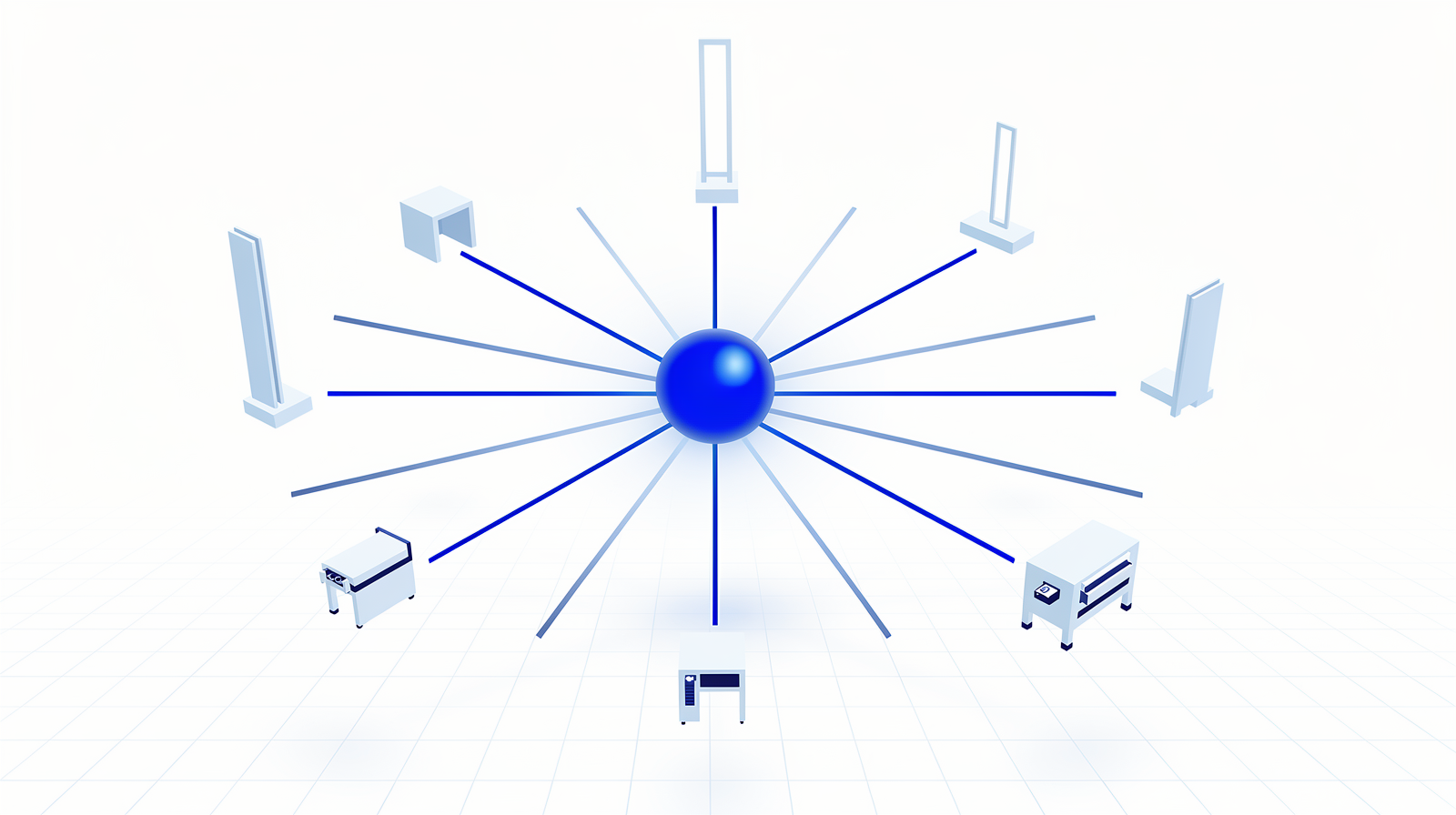
What digital factory software does for a metal shop
Three things, in practice. Everything else is a variation:
- Fewer errors. Data entered once flows to the next system, so the retyped order that scraps a batch stops happening.
- Faster throughput. Quotes in minutes, toolpaths generated instead of drawn by hand, jobs dispatched without paper rounds.
- Visibility. You see margins while the year runs and jobs while they run, so decisions rest on numbers instead of memory.
Notice that none of the three come from any single program. They come from the systems being connected. Hold that thought, it returns at the end of this article.
The 7 software types at a glance
| Type | What it does | My deep guide |
|---|---|---|
| CAD | Designs the part: models, drawings, the geometry everything else works from | 5 Best Free CAD Software for Sheet Metal |
| CAM | Turns designs into machine instructions: nesting, toolpaths, simulation | Top 10 CAD/CAM for Sheet Metal and Tube |
| Quoting | Calculates a price from a drawing, in minutes instead of hours | The Ultimate Guide to Quoting Software |
| ERP | Runs the business side: orders, purchasing, stock, invoicing | The 10 Best ERP for Metalworking |
| MES | Runs the shop floor in real time, paper packets replaced by screens | MES for Metalworking: The Complete Guide |
| CRM | Tracks customers and deals before they become orders | CRM for Metalworking: The Complete Guide |
| BI / dashboards | Turns your data into live views: OEE, margins, delivery performance | Start with the UNS introduction |
1. Computer-Aided Design (CAD)
The first purchase 2D and 3D design Feeds everything downstream
CAD software is the program you design parts in: 2D and 3D models, manufacturing drawings, and the geometry that every later system works from. Common names in metalworking are SolidWorks and Fusion 360.
The first thing you handle as a metal shop is drawings. Customers send files to adjust, and you start making your own designs early. That is why CAD is usually the first software any metalworking company buys. And you can start without a budget:
7. Business Intelligence (BI) and dashboards
Live view of the factory Reads the data layer Grafana
BI software turns your data into charts and dashboards: OEE, delivery performance, margins per customer, stock trends. It answers the questions your gut currently answers, with numbers.
The classic route is a BI tool reading your ERP tables, Power BI being the common example. That works, and it looks backward by design: the report tells you what last month did.
Where I land today is dashboards on the data layer. Grafana reads a database that collects live events from all your systems and puts a wallboard on the floor that everyone can read, as it happens. That only works when your systems publish into a shared data layer, which brings me to the part that makes all seven worth it. The groundwork for that layer is my introduction to the Unified Namespace.
The layer that connects all seven
Here is the lesson I keep giving shops: none of these seven works as an island. Buy all seven, connect nothing, and you own seven databases that disagree with each other. Connect them pairwise, CAD to ERP, ERP to MES, quoting to ERP, and you build a web of point-to-point interfaces that breaks every time one system updates.
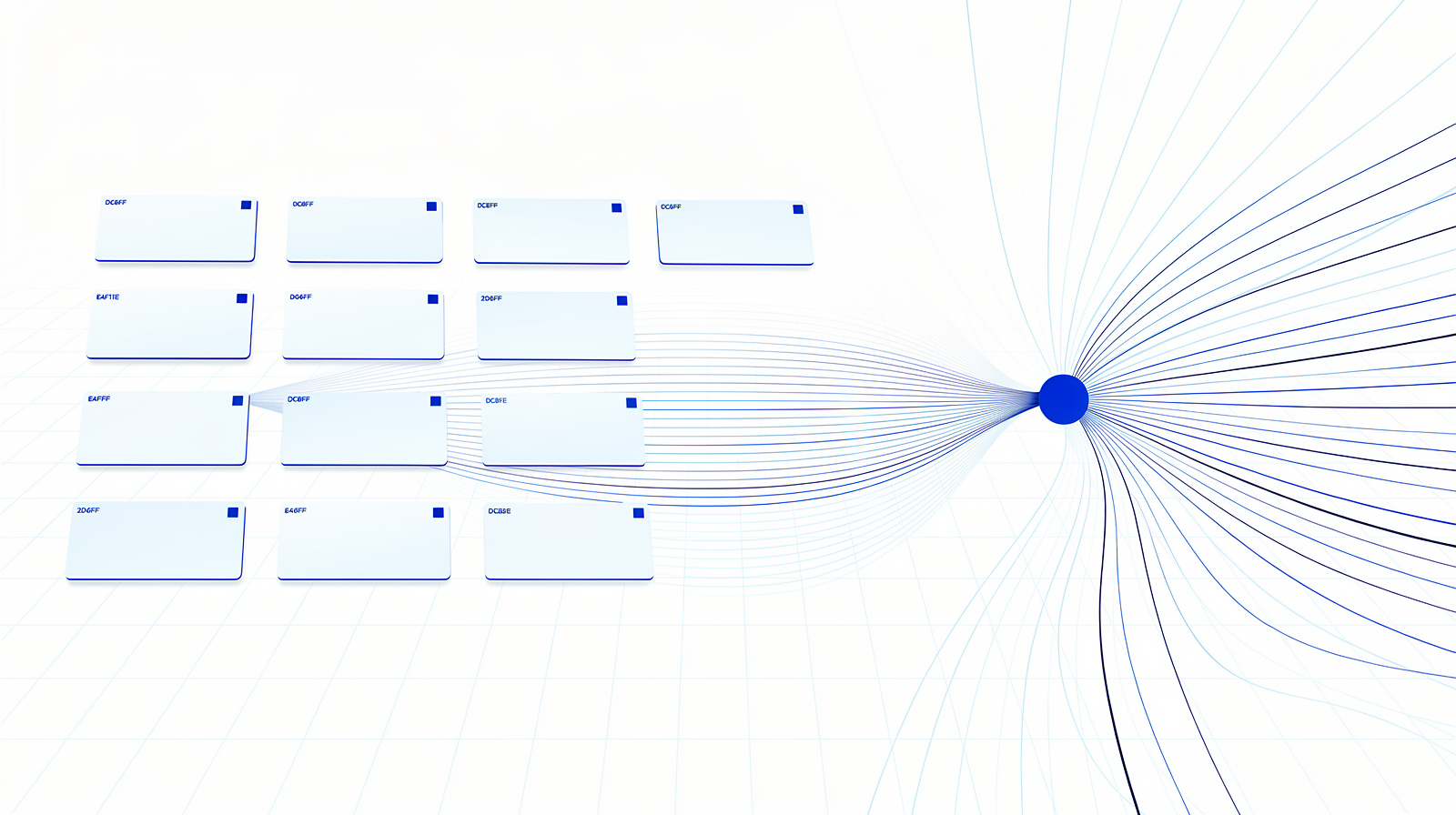
The alternative is hub and spoke. Every system becomes a node that publishes what it knows into a Unified Namespace: a shared, real-time data layer organized the way your business is organized. The ERP publishes the order, the MES publishes the job status, the machines publish their state, and every system reads what it needs from the same place, the moment it happens. The dashboards from type seven fall out of this almost for free.
That architecture deserves its own article, and it has one. If you read one link from this page, read this:
How I would start
Where does your shop bleed the most? Quotes going out late? Paper on the floor? Nobody knowing the margins until the year closes? Pick that one type. The list above is a map of functions, and the map does not tell you to buy everything at once.
Then one tool, one month. Take my guide for that type, shortlist two candidates, and trial one with real jobs for a month. Any good vendor lets you test, and you need to know you will enjoy using the thing.
Think speedboat, oil tanker. The oil tanker is the two-year selection project with a steering committee. The speedboat is a small pilot next to daily operations, live within a month, teaching you more than a hundred demo calls. Start with the speedboat, and let the results steer the bigger decisions.
Questions I get about digital factory software
Do I need all seven?
What order should I buy them in?
Can one suite do everything?
What can I run for free?
Where does AI fit?
The point is
Seven types, one map. The software itself is the easy half: every type on this list has good products, and my guides rank them. What decides whether you get a digital factory or seven islands is the order you buy in and the way the systems connect. Pick the type where you bleed most, run one tool for one month, and make "publishes its data" a requirement from the first purchase on.
And when you want a second pair of eyes on that architecture, that is exactly the work I do.
Which of the seven is the gap in your shop today? Tell me, I read every reply.