Manufacturing Execution Systems (MES) for Metalworking: The Complete Guide (2026)
I treat an MES as a function rather than a product, and that changes how you shop for one. I lay out the four jobs it must do, the five routes a metal shop can take, and how to choose for high-mix work. Building your own is one of them.

Does your planning still match what is actually happening on your shop floor? And when a rush order lands or a machine stops, how long before the office knows?
Your ERP keeps the orders tidy. Turning that plan into reality on the floor is another job entirely, and that gap between planning and practice is where Manufacturing Execution Systems (MES) come in.
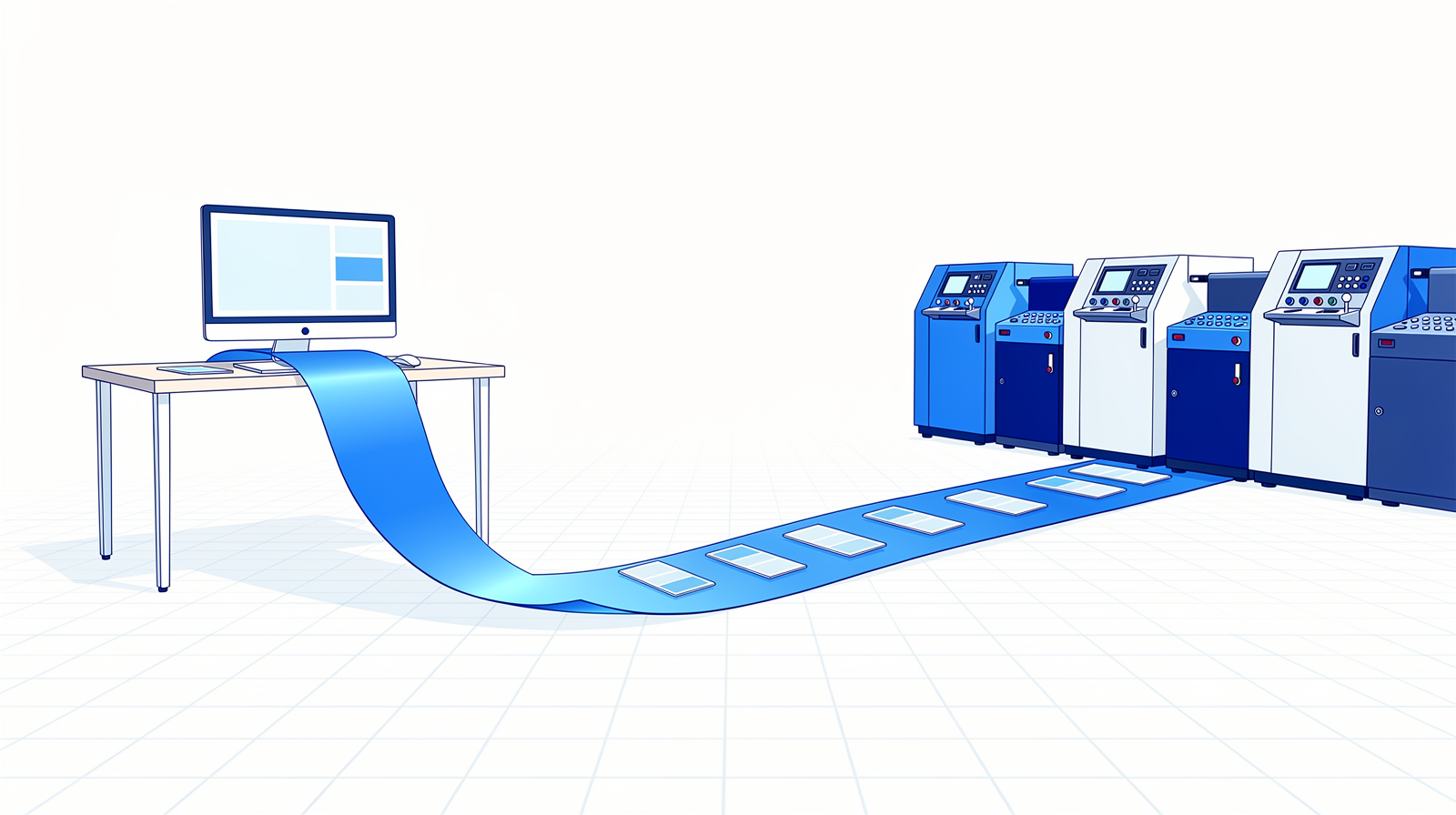
This guide covers what an MES really is, the four functions it must deliver, the five routes to getting one, and how to choose for a high-mix metal shop. Including the option to build your own.
I wrote about this before:

What is a Manufacturing Execution System?
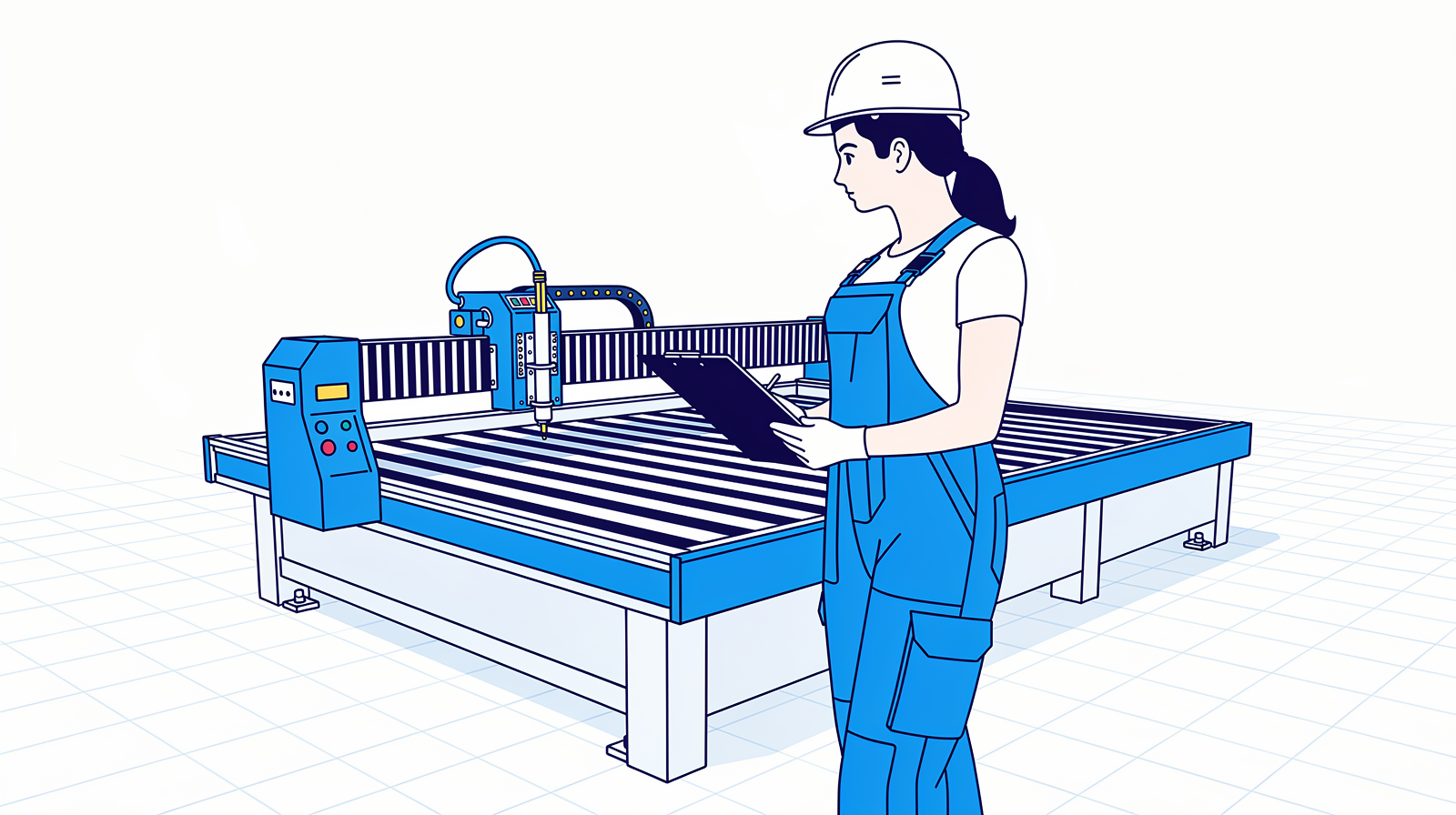
Here is the single most useful thing to understand before any demo: an MES is a function, not a product. Just as your ERP manages business records and your machine controls manage the technical process, the MES function is the link between them: it runs production information in real time. Reading machine data, tracking orders on the floor, sharing work instructions, capturing quality.
Plenty of products carry the label. But the function is what you are after, and it can be implemented in very different ways, depending on your shop. That is why this guide is organized around routes rather than a vendor ranking.
The story usually starts the same way. Your company grows, you invest in an ERP, and the administration finally has structure. Then reality sets in: what the ERP says diverges from what the floor is doing. The rush order that squeezes in, the downtime that runs long, the job that takes twice the estimated time. Your ERP is a route planner. The floor needs live navigation.
The Core Four: what an MES must deliver
Whatever route you take, an effective MES delivers four fundamentals:
| Function | What it gives you |
|---|---|
| 1. Work order tracking | The live status of every order on the floor, from start to finish, aligned with your ERP's planning. |
| 2. Scheduling | Daily production schedules that adapt to reality: rush orders, downtime, changed priorities. |
| 3. OEE | Availability, performance, and quality per machine, measured instead of guessed. |
| 4. Downtime tracking | What stopped, why, for how long, and the patterns behind it. |
Beyond the Core Four sit the optional capabilities you select per need: quality management, digital work instructions, inventory, personnel and skills, maintenance, compliance reporting.
The five routes to an MES
In practice, I see five routes companies take. Each works, for the right shop.
Route 1: Extend your ERP
Familiar Straightforward processes Limited real-time
Well-known names in the sector like ECI Ridder iQ, MKG, and Bemet (see my ERP comparison) offer shop-floor modules. It feels familiar and the integration seems given. This works well when your processes are straightforward and the goal is tightening the administrative side of production.
It is like adding a utility room to your house: it connects nicely to the existing structure, and it is limited to what is possible within that structure. ERP systems were not built for real-time production control, and machine connectivity is usually limited. For some shops that is enough. Know it before you sign. My ERP comparison covers these packages in depth:
Route 2: Specialist apps for specific processes

Best-of-breed One job done well Needs a data hub
A second route I see more and more: precision tools that do one thing extremely well. PROPOS for shop-floor sequencing and planning. Azumuta for digital work instructions and quality, now with AI-supported instruction building.
The strength is depth: a planning app understands juggling orders and capacity better than any generic module. The challenge is that these tools must talk to each other, and your ERP was not designed to be that hub. It is an interpreter that translates once a day, when the floor needs a conversation in real time.
🔗 propos-software.nl · 🔗 azumuta.com
Route 3: Your machine vendor's suite
Fast start One-brand floors Ask about other badges
TRUMPF's Oseon and Bystronic's BySoft understand their own machines perfectly. If your floor is largely one brand, this route gets you far, fast.
But the average metal shop also has a press brake from another brand, a saw, welding equipment, and a few conventional machines. Each speaks its own language, and a single vendor's suite covers its own family best. Ask precisely what happens with the machines that carry a different badge.
🔗 Oseon · 🔗 BySoft Suite
Route 4: The open data layer
Open standards Maximum freedom Foundation you own
The most flexible route: build the MES function on open standards, with a Unified Namespace as the backbone. What that is and why it comes first:
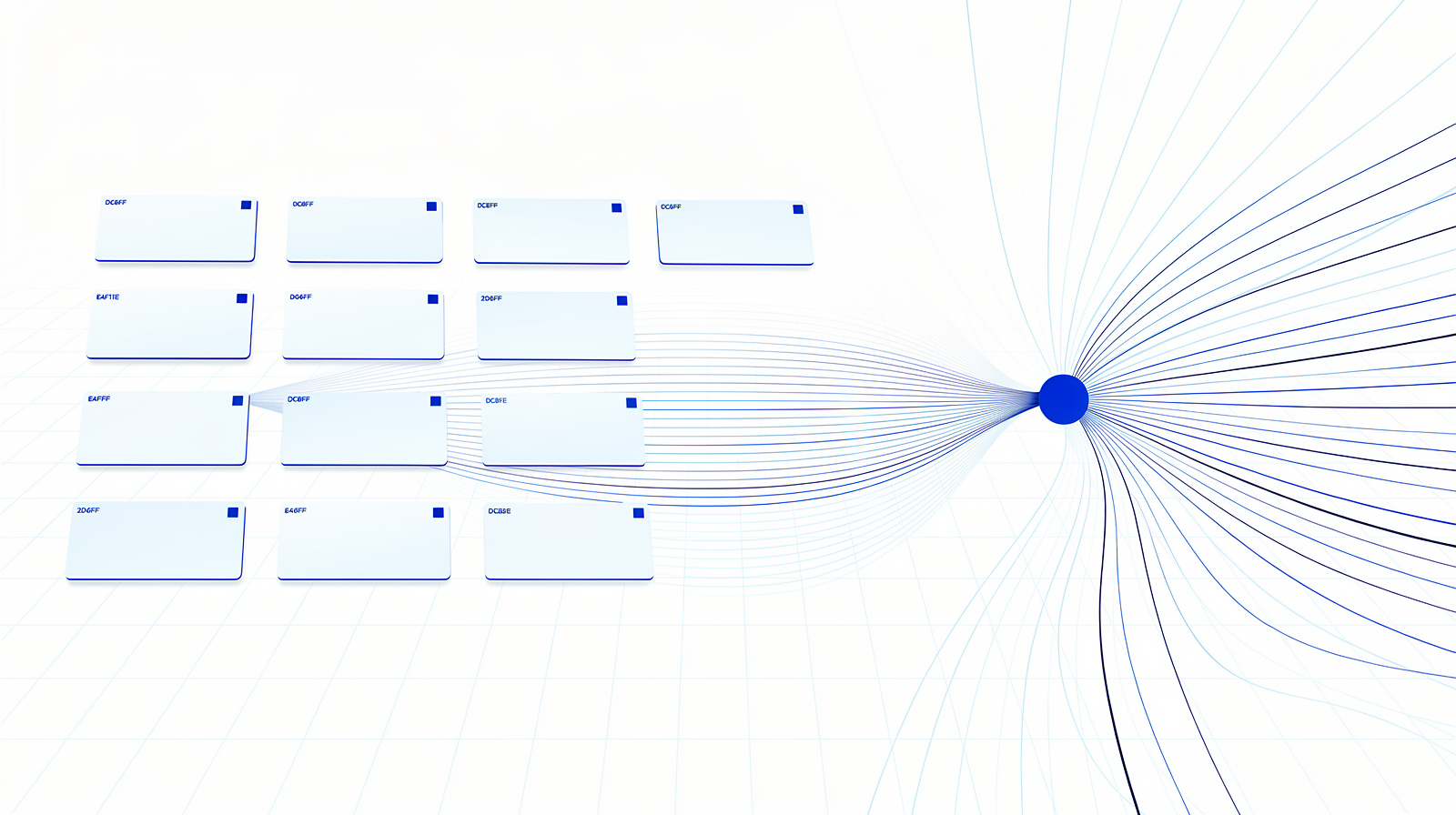
Every machine and system publishes its events into one shared structure, and everything that needs the data subscribes to it: Every machine and system publishes its events into one shared structure, and everything that needs the data subscribes to it:
acme/hall1/laser1/status        -> machine stopped
acme/orders/O-4411/step/bending -> step finished
acme/quality/check/B-208        -> measurement logged
The open-source reference here is United Manufacturing Hub, whose current UMH Core runs the whole data layer from a single container. This route gives you maximum freedom and asks the most of you: technical depth in-house and a long-term view. Adding a machine or an extra quality check becomes a config change instead of a project.
Route 5: Build your own MES
Exactly your workflow Public source options AI-assisted build
What if the off-the-shelf options do not fit your workflow? Building your own MES has become genuinely feasible: open-source frameworks, low-code platforms, and AI coding assistants have lowered the barrier dramatically.
One project worth exploring is Eryxon Flow. Full disclosure: it is mine. An MES for high-mix low-volume job shops: tablet-friendly operator terminals, a 3D STEP viewer on the floor, ERP connectors for Ridder iQ, Odoo, and custom APIs. The source code is public and the Community edition is free for a single production site, and every release becomes fully open source (GPL) after four years. Because the code is open, you extend it yourself: quality checklists, MQTT machine connections, your own namespace integrations. More self-hostable tools in my open-source article.
🔗 eryxon.eu · 🔗 Source on GitHub
How to choose your route
First, a truth that will save you months of vendor meetings. If you want 100% coverage of every MES function, you will always end up best-of-breed: several tools combined, connected through your data layer. The real question is: do you need 100%? Most shops do not. Start from your challenges, not from a feature list.
So begin there. Where is the most time lost in your production? Where do errors happen? What information is missing on the floor? The answers point at your route:
- Lots of manual work? Start with digital work instructions and quality checks. Immediate value, no machine integration needed.
- Modern machine park? Start with machine connectivity and OEE monitoring. Real numbers change planning conversations.
- Material chaos? Start by digitizing material flows: tracking parts and semi-finished goods tightens inventory and lead times.
Then pilot small. One machine, one process, a few weeks. You limit the risk, you learn what your shop actually needs, and the lessons carry into every next step. There is little point digitizing an inefficient process: map it first, or you automate chaos.
And take your people with you. An MES changes how the floor works. Involve the team from the start, explain the why, invest in training, and give one or two enthusiastic employees the role of digital champion. Every successful implementation I have seen leaned on that human side as much as the technical one.
I wrote about this before:

What changes for your people

For operators: digital work instructions at the machine, current priorities, live material status. The paper stack disappears.
For production leaders: the complete overview at a glance. Which machines run, where delays build, what to adjust, now instead of at the end of the week.
For management: cost calculations on actual data, visible improvement potential, and investment decisions backed by numbers instead of gut feeling.
Questions I get about MES in metalworking
Do I need an MES, or just a dashboard?
Can my ERP module be enough?
What if I want every MES function covered?
Where does AI fit into an MES?
What does an MES cost to get started?
The point is
An MES is a function you install into your factory, in whichever form fits: an ERP module, specialist apps, a vendor suite, an open data layer, or something you build. Keep three requirements in front of every option: real-time insight (without it you are always catching up), an open architecture (so you can grow and switch), and your people on board (the best system is worthless without them).
Want to try the open route hands-on? The members build in the library takes you from one connected machine to a live dashboard, step by step. Free to join. And designing the production layer end to end, from data hub to operator screens, is what my services cover.
Which route fits your shop, and which challenge would you tackle first? Tell me, I read every reply.