Model Based Definition (MBD) and STEP-files in Metal Fabrication - The Complete Guide
I put the manufacturing information on the 3D model itself, so the model carries the intent instead of a drawing nobody retypes. This guide covers what MBD and PMI are, what a STEP file contains, and who can use the data in 2026. It also names the sheet metal gaps that remain.

Does your shop still get a PDF drawing next to every 3D model? And have you ever wondered why, when the model could carry that intent itself?
That question is the whole subject of Model Based Definition. Put the tolerances, threads, and finishes on the 3D model, make them machine-readable, and the software downstream can act on them without anyone retyping a drawing.
I wrote the first version of this guide in 2021, and my conclusion back then was blunt: the market was not ready. Five years later, a lot has moved. The STEP standard got a major new edition, my favourite CAD now ships MBD on every plan, and inspection software reads this data for real. Some things did not move at all, and I will be plain about those too.
So, this guide covers what MBD and PMI are, what a STEP file actually contains, who can use the data in 2026, where sheet metal still falls through the cracks, and the tools you can start with today.
What is Model Based Definition (MBD)?
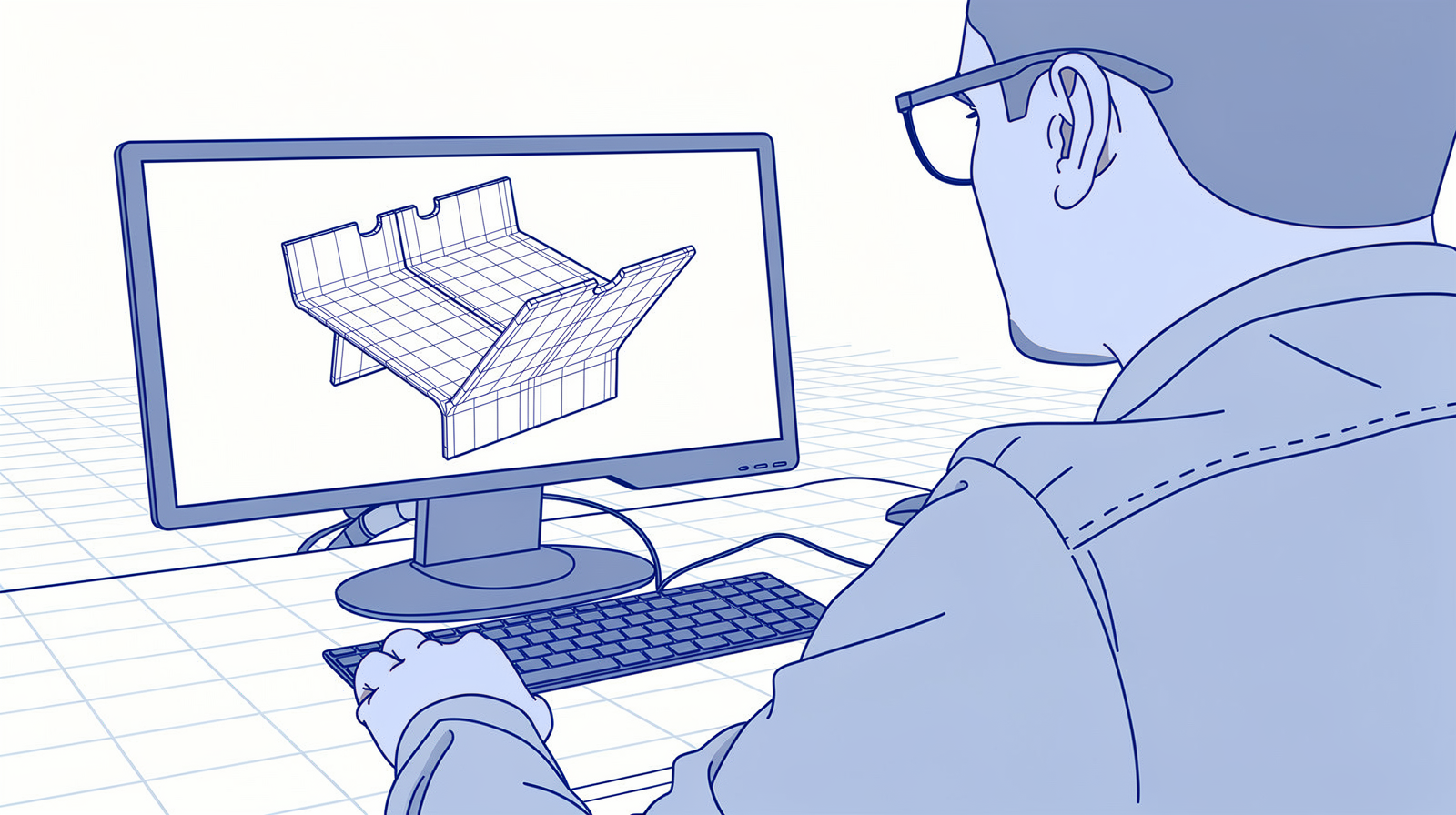
Model Based Definition (MBD) is the practice of putting all manufacturing information directly on the 3D model, so the model becomes the single authority instead of a 2D drawing.
The information itself has a name: Product Manufacturing Information (PMI). Dimensions, tolerances, datums, surface finishes, notes. Everything you would normally read off the drawing.
Semantic vs graphical PMI, in plain words
PMI comes in two forms, and the difference decides everything downstream.
- Graphical PMI is text and lines drawn in 3D space. A person spinning the model can read it. Software can only display it.
- Semantic PMI is the same information stored as structured data, attached to the exact faces and edges it applies to. Software can act on it: a CMM can build its measurement plan from it, and a quoting tool can find the tightest tolerance on the part.
The standards world calls these "presentation" and "representation". A good file carries both: graphical for your people, semantic for your systems.
And that is why MBD matters for a fab shop. Today someone reads the drawing and types the requirements into your quoting tool, your work prep, your CMM software. MBD removes that retyping step, because the intent arrives machine-readable.
What is a STEP file, really?

STEP stands for Standard for the Exchange of Product model data, ISO standard 10303. It is the neutral 3D format nearly every CAD system can export, which is why it became the default way to send parts between companies.
Inside, a STEP file stores the exact shape as a boundary representation: faces, edges, and precise curves and surfaces (often NURBS). No triangles, no approximation. That exactness is why a STEP file can drive manufacturing, where the mesh formats from the visual world cannot.
AP203, AP214, AP242: the STEP versions explained
STEP comes in flavours called application protocols, and this is where the practical questions live.
- AP203 (from the first ISO release in the mid-1990s) carried geometry, assembly structure, and configuration data.
- AP214 added colours, layers, and more product data, and became the automotive standard. For years the standing advice was "your CAD exports AP214 by default".
- AP242 merged both in 2014 and added the piece this guide is about: PMI, graphical and semantic, in one neutral file.
AP242 kept growing. Edition 2 (2020) added semantic hole features such as counterbores and countersinks. Edition 3 (2022) consolidated the schema that current PMI practice is built on. Edition 4 was published in August 2025, adding assembly-level PMI and machining form features, and AP242 is now deployed by all major CAD vendors, in NIST's words. So the old AP214 advice is retired: AP242 is the version to ask for.
You may also run into QIF: a separate ISO format for quality and measurement data that sits next to STEP in metrology work.
Who actually reads PMI in 2026?
Here is the question that decides whether MBD pays off in your shop: does anything downstream of CAD consume the data? In 2026 the answer splits three ways.
Inspection is the success story. Zeiss CALYPSO builds measurement plans straight from PMI. Hexagon PC-DMIS reads AP242 and creates routines from the embedded GD&T. Mitutoyo's MiCAT Planner programs measurements from PMI rules. If you run a CMM, semantic PMI saves hours today, per part, every revision.
CAM support varies by package. CAMWorks picks machining strategies from the tolerances on the model, and NX CAM works with PMI too. Many other CAM packages display the annotations at best. Ask your vendor precisely which AP242 data changes the toolpath.
Quoting is at the reading stage. Viewers display PMI, several platforms import it, and pricing that calculates from semantic tolerances is something no quoting vendor publicly claims yet. More on the specific tools below.
The pull behind all of this comes from the top of the supply chain: the US Department of Defense now mandates models over documents for new programs, and aerospace and automotive keep dragging their suppliers along.
The sheet metal gaps that remain

This was my main caveat in 2021, and it still stands. A number of things a sheet metal part needs still have no standardized place in AP242:
- Grain or rolling direction, which decides bend quality on visible parts.
- Bend process data such as shortening values and tool selection.
- Marking and engraving information, for example for positioning during welding.
There has been progress around the edges (edition 2 brought the semantic hole features), but these sheet metal specifics still travel in notes, or on the PDF next to the model.
So the 2D drawing does not die. It shrinks. Geometry and tolerances live in the model, and the drawing becomes a one-page carrier for the things the model cannot say yet. That is the combination in the callout above.
Why a whole AI industry now reads 2D drawings
Here is the twist I did not see coming in 2021. The big investment of the past few years did not go into MBD. It went into AI that reads 2D drawings.
CADDi built a whole platform around extracting data from drawings at industrial scale. Paperless Parts ships Wingman, an assistant that reads specs, threads, weld symbols, and GD&T off customer prints. I have worked with drawing extraction in quoting projects myself, and it is genuinely useful.
My read on why this industry exists: models without PMI are everywhere. Most STEP files that land in a job shop inbox carry geometry and silence. The intent sits on the PDF, so companies built AI to guess it back from the pixels.
Now look at the ceiling of that approach. Wingman's own published numbers are 88 percent of print elements identified and 83 percent extracted with details, with a human reviewing the result. Strong numbers for reading pixels. Semantic PMI does not have a recognition rate. The designer stated the tolerance and the file carries it, 100 percent by construction.
The two worlds are starting to meet: the German project PartSpace uses AI to map 2D annotations onto 3D models and outputs STEP AP242 MBD datasets. AI as the bridge back to the model, and that direction makes sense to me.
The MBD tools to start with today
Six entries, from the CAD where you author PMI to the free viewer where you check what a customer actually sent you.
1. Onshape
My favourite CAD for MBD Every plan level AP242 PMI export
Onshape is the cloud CAD from PTC, and right now it is my favourite CAD for MBD. In February 2026 it shipped MBD on every plan level, with no add-on and no separate module: you author dimensions, datums, and GD&T directly on the model while you design, and the annotations attach to the actual features. It exports STEP AP242 with the PMI included, ready for inspection software to read.
Integration is the other reason I like it. Onshape is built API-first, everything lives in the cloud, and in my projects connecting it to a quoting or work prep flow has been straightforward. One limit to know: Onshape exports PMI but does not display PMI from incoming AP242 files.
🔗 onshape.com · MBD help pages
2. SOLIDWORKS MBD
Add-on to SOLIDWORKS AP242 PMI export Publishes to eDrawings
SOLIDWORKS MBD is a separate add-on you license on top of SOLIDWORKS. Base SOLIDWORKS can author 3D annotations on the model, but exporting STEP AP242 with software-readable PMI requires the add-on, which also publishes to eDrawings and 3D PDF.
One detail that catches people: GD&T placed on a drawing sheet never reaches the STEP file. The annotations must live on the 3D model itself. If your shop already runs SOLIDWORKS, this is the natural route into MBD.
3. Free PMI viewers and checkers: eDrawings, CAD Assistant, NIST SFA
Free View and validate PMI No CAD licence needed
You do not need a CAD licence to work with incoming PMI. Three free tools cover it:
I wrote about this before:

- eDrawings Viewer displays STEP AP242 with PMI and cross-highlights each dimension with the faces it belongs to. The easiest one for the shop floor.
- CAD Assistant from Open Cascade is freeware, commercial use included, on Windows, Linux, Android, and iOS. It shows semantic and tessellated PMI, so a tablet at the press brake can open the annotated model.
- NIST SFA (STEP File Analyzer and Viewer) is the referee. It reports exactly what semantic and graphical PMI a file contains. When a customer says "the tolerances are in the model", this free tool tells you whether that is true.
I keep a wider list of viewers in my guide to free 3D CAD viewers.
4. CADEXSOFT Manufacturing Toolkit
Integration SDK Reads semantic PMI Build your own tools
CADEXSOFT takes the SDK route: the Manufacturing Toolkit gives developers CAD reading, feature recognition, sheet metal unfolding, and DFM checks as building blocks, in C++, C#, and Python. It reads both graphical and semantic PMI from STEP, AP242 included, which I verified in their documentation.
This is the engine I integrate with when a shop builds its own intake or quoting portal: the toolkit handles the geometry and the PMI reading, you build the workflow around it.
5. Quoting platforms: QuotationFactory and Paperless Parts
Quoting PMI import and display From my integration projects
In my integration projects, PMI data moves through both of these platforms. The verifiable facts: QuotationFactory shipped JT and STEP AP242 import including PMI back in 2022, and its current public pitch centers on extracting tolerances and GD&T from drawings. Paperless Parts' viewer has displayed AP242 PMI since 2022, and its Wingman assistant is the 2D print AI from the section above.
Neither claims to price a part from semantic PMI automatically, and I have not seen that shipped anywhere else either. Quoting consumes PMI at the reading and display stage in 2026. My full comparison of the quoting market is here:

6. FreeCAD
Open source Geometry only PMI workbench in design
I like FreeCAD and recommend it often, so here is where it stands: it reads STEP geometry and assemblies well, and it shows no PMI at all. The project says it plainly in its own issue tracker: no native PMI capability, no GD&T import or export via AP242. A PMI workbench is being designed as of mid-2026, and you can follow that work on GitHub.
For what FreeCAD does do well in sheet metal, see my article on free CAD software.
MBD and the Digital Product Passport
You will hear these two mentioned together, so let me give you the factual version.
The EU's Digital Product Passport is coming, and steel is in the first wave: the ecodesign regulation behind it names iron and steel among the first product groups, with obligations landing realistically around 2027 to 2028. Metalworking will feel the DPP before most industries.
But the passport asks for sustainability data. Material origin, carbon footprint, recycled content, repairability. It does not ask for geometry, tolerances, or PMI.
The real connection sits one level deeper: both reward the same discipline. Product data that is structured, machine-readable, and kept in one place instead of locked in PDFs. If your shop runs on a data backbone like a Unified Namespace, PMI is one more thing that backbone can carry, and passport attributes will be another.
How to start with MBD in your shop

Think speedboat, as always: one small loop you can finish in weeks, ahead of the slow-moving rest of the business. Three moves:
- Ask one customer for AP242 with PMI. Pick your best customer and request STEP AP242 (edition 3 or later) with PMI next to the usual package. The request costs nothing and tells you where your supply chain stands.
- Validate what arrives with NIST SFA. Run the file through the free analyzer and see whether real semantic PMI is inside, or only the graphics.
- Pilot one part from quote to CMM. Quote it from the model, produce it, and if you have a CMM, let the software build the measurement plan from the PMI. That one loop shows you the payoff better than any article, this one included.
Questions I get about MBD and STEP files
Do I still need 2D drawings?
Which STEP version should I ask for?
Can free tools read PMI?
Does my CAM use MBD?
Is MBD worth it for a job shop?
The point is
MBD went from promise to practice, in specific places. The standard is done, the CAD tools ship it, inspection software consumes it, and sheet metal still needs a PDF for the last details. The intent your customer already typed into their CAD can now flow to your quote, your work prep, and your CMM without anyone retyping it. Start where the consumption is real, and keep the drawing for what the model cannot say yet.
I wrote about this before:

And wiring that flow together, from CAD intake through quoting to the shop floor, is exactly the integration work I do.
What lands in your inbox today: models with PMI, bare STEP files, or a stack of PDFs? Tell me, I read every reply.