The Best Free 3D CAD Viewers for Metalworking & Sheet Metal Shops
I pick the free 3D CAD viewers I would install in a metal shop today. One question sorts the list: whether your customer's file stays on your machine or quietly goes to someone else's cloud. You get the everyday viewer, the shop-floor option, and the browser tool.

Have you ever received a CAD file from a customer and had nothing on your machine to open it with?
If so, you know how that goes. You do not want to install a full CAD system just to look at one part, and not everyone who checks a model needs a CAD seat.
So, what do you do?
You install a free 3D CAD viewer. There are plenty, and the good ones open, spin, section, and measure a STEP file without any CAD licence.
But before you grab the first one a search engine offers, one question matters more than any feature list: does the file leave your machine? The models your customers send you are their property. Some free viewers keep everything local. Others quietly upload the file to someone else's cloud. In a metal shop that lives on customer trust, that difference decides my ranking.
This post gives you the viewers I would install today, what each one is for, and the well-known names that no longer earn a download.
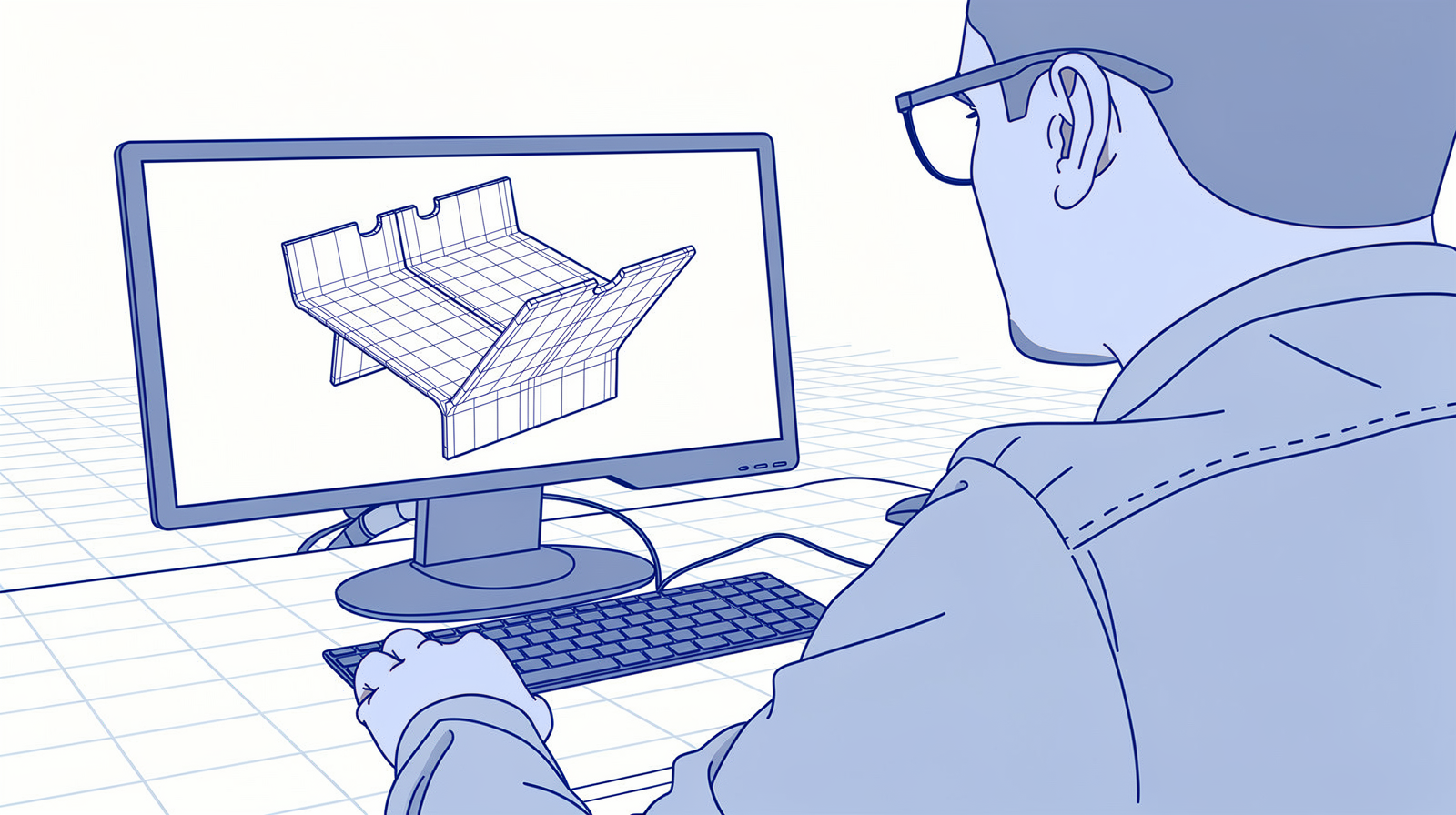
My favourites for 2026
You came for the answer, so here it is first. The reasoning follows below.
THE EVERYDAY VIEWER: eDrawings. Free, runs on your own machine, opens SOLIDWORKS, STEP, IGES, DWG and more, and measures and sections STEP files directly. For most shops this is the only viewer you need.
ON THE SHOP FLOOR: CAD Assistant. Free for commercial use, works fully offline, and runs on Android and iOS tablets as well as desktops. A STEP viewer next to the press brake.
FOR SHARING IN THE BROWSER: Online 3D Viewer. Open source, renders the model inside the browser so nothing uploads, and you can host it on your own server.
What is a 3D CAD viewer?

A 3D CAD viewer is a free program that opens CAD files for looking, checking, and measuring, without the CAD system that made them. Your customer designs in SOLIDWORKS, Inventor, or Creo. You receive the part as a STEP or IGES file, the neutral exchange formats that every CAD system can write. A viewer opens those files so you can inspect the part before you quote it, program it, or bend it.
Modern STEP files can carry more than geometry. Dimensions, tolerances, and notes can travel inside the model as PMI, which is the heart of model-based definition. My MBD guide explains what that data is and why it changes how a shop reads drawings.
And a word from experience before you go tool shopping. You can try to cover this with a generic file tool, but then you need to edit? Hand it to the floor? Measure a flange? You cannot even vibe-code a full CAD viewer yourself (I tried). Reading precise B-Rep geometry is a frontier still being worked on, which is exactly why the free viewers below, built on real CAD kernels, earn their place.
One more distinction: this list is for viewing. If you want to design and edit parts for free, that is the sister question, and I keep a separate list for it: the best free CAD software for sheet metal.
I wrote about this before:

What to look for in a free CAD viewer

Four things decide whether a viewer earns a place on your machines:
- File formats. STEP and IGES are the must-haves for 3D, DWG and DXF for 2D drawings, STL for mesh files. A viewer that skips STEP skips your daily work.
- Measuring. Distances, angles, hole positions, wall thickness. Checking a dimension before quoting is the whole point.
- Sectioning. Cutting the model open shows internal features and how parts fit together.
- Where the file goes. Local program or cloud upload. For customer files under NDA, this question comes first, and it sorts the list below.
So, here is the list.
The Best Free 3D CAD Viewers for Metalworking (2026)
| Viewer | Best for | Measures | Where your file goes |
|---|---|---|---|
| eDrawings | Everyday viewing and measuring | Yes | Stays on your machine |
| CAD Assistant | Offline use, shop-floor tablets | Yes | Stays on your device |
| FreeCAD | Viewing plus editing | Yes | Stays on your machine |
| Online 3D Viewer | Sharing in the browser, self-hosting | No | Renders in the browser, nothing uploads |
| VariCAD Viewer | Converting and batch printing | Yes | Stays on your machine |
| Autodesk Viewer | Widest format support | Yes | Uploads to Autodesk's cloud |
| NIST SFA | STEP validation and PMI checks | Analysis | Stays on your machine |
1. eDrawings
Free + local Measures STEP Win/macOS/mobile
eDrawings is the free CAD viewer from Dassault Systèmes, the company behind SOLIDWORKS. It installs on Windows and macOS, with apps for iOS and Android, and everything happens on your own machine.
It opens SOLIDWORKS files, STEP, IGES, Parasolid, DWG, DXF, and STL. And here is the part that matters for a shop: it measures and sections STEP files directly. Distances, hole positions, wall thickness, all without a CAD licence. One thing to know: measuring native SOLIDWORKS files works only when they were saved from SOLIDWORKS Professional or Premium. STEP files measure without conditions, so when in doubt, ask for STEP.
If you install one viewer from this list, install this one.
2. CAD Assistant
Free for commercial use Offline Desktop + tablets
CAD Assistant is a free viewer and converter from Open Cascade, the company behind the open-source geometry kernel that also powers FreeCAD. The licence explicitly allows commercial use, and the program works fully offline.
It reads STEP including AP242 with PMI annotations, plus IGES, BREP, glTF, JT, STL, and OBJ. It measures, converts, and cuts models open with clipping planes. Best of all, it runs on Android and iOS as well as Windows, macOS, and Linux. That makes it my pick for the tablet next to the machine: the operator spins the customer's model at the press brake, no cloud, no account, no connection needed.
3. FreeCAD
Open source Local Full CAD included
FreeCAD is the open-source parametric CAD system, and the current 1.1 release makes it a serious viewer too. It opens STEP, IGES, and DXF on your own machine, measures, and sections. The difference from everything else on this list: when looking is no longer enough, you edit the model in the same program. Flatten a sheet metal part, repair a solid, export for your CAM.
It asks more learning time than a pure viewer, so I would not roll it out to the whole office. Put it on the machines of the people who touch geometry.
FreeCAD also carries a chapter in my open-source hotlist for metal shops:

4. Online 3D Viewer
Open source Nothing uploads Self-hostable
Online 3D Viewer is an open-source web viewer at 3dviewer.net. It looks like every other browser viewer, with one difference that decides everything: the file never leaves your computer. The model loads and renders inside your browser, and the site's server never sees it.
It opens 18 formats, including STEP, IGES, and FreeCAD's own FCStd, and it is view-only: spinning and inspecting, no measuring. Because the code is open (MIT licence), you can host it on your own domain and give customers a viewer link that carries your name and your rules. That pairs naturally with a customer portal, if you run one.
🔗 3dviewer.net · 🔗 Source on GitHub
5. VariCAD Viewer
Free Windows + Linux Converts + batch prints
VariCAD Viewer is the free companion to the VariCAD mechanical CAD system. It runs on Windows and on Linux, which almost no other free viewer offers, and it works on your own machine.
It opens DWG, DXF, and STEP, measures, converts between those formats, and batch prints drawing files. That last one is the reason it survives on shop computers: when a customer sends thirty DWGs, this prints the stack in one go.
6. Autodesk Viewer
Browser 80+ formats Uploads to Autodesk cloud
Autodesk Viewer is the browser viewer from Autodesk, and on features it is the strongest web option: more than 80 formats, measuring, sectioning, markups, and share links your whole team can comment on.
The trade is where your file goes: you upload it to Autodesk's cloud, under an Autodesk account. For your own models, and for anything you would share publicly anyway, it is great. For a customer's confidential drawings, ask the customer first, or keep it local with the tools above. That is the privacy question doing its work.
7. NIST STEP File Analyzer and Viewer
Free (NIST) STEP validation Semantic PMI
The STEP File Analyzer and Viewer, SFA for short, comes from NIST, the US standards institute, and it is the inspector on this list: more analyzer than viewer. It reads a STEP file, generates a spreadsheet of everything inside, checks semantic PMI against the recommended practices, and flags file errors.
You reach for it when a STEP file misbehaves in your CAM, or when you exchange MBD data and want proof the annotations survived the export. Windows only, runs locally, and the releases now live on GitHub.
🔗 nist.gov · 🔗 Releases on GitHub
Notable mentions
Viewers you will meet in every search that did not make the featured list:
ShareCAD: a browser viewer without registration, but your file is processed on their servers, the web viewer has no measuring (that sits in their desktop program, ABViewer), and uploads stop at 50 MB. The privacy question answers this one.
Solid Edge Free Viewer and Creo View Express: free viewers for their own worlds. The Solid Edge viewer opens Solid Edge files plus DXF and DWG, and Creo View Express opens Creo formats with simple measuring, on Windows. Neither opens STEP or IGES in the free version, so they earn a place when your customer designs in those systems.
IDA-STEP: a STEP AP242 viewer with deep PMI support that has not seen a release in years, so I stopped recommending it as a starting point.
And two more that look free at first glance: Onshape's free plan makes every document public, and Fusion's personal licence is for non-commercial use. Both are fine for what they are, and neither fits customer files in a business.
Names you might still search for
Three names people still search for are no longer options:
- Microsoft 3D Viewer: deprecated in February 2026 and delisted from the Microsoft Store in July 2026.
- Ondsel: shut down in November 2024. Its work lives on inside FreeCAD.
- GrabCAD Workbench: retired in 2023.
Questions I get about free CAD viewers
Can I measure in a free viewer?
Which viewer should I use if I must not upload customer files?
Do I need a CAD system to open a STEP file?
What happened to Microsoft 3D Viewer?
Can my customer view drawings without installing anything?
The point is

There is no single best viewer. There is the viewer that fits how files move through your shop, and the discipline to know where those files go.
My advice: install eDrawings on the office machines today, put CAD Assistant on a shop-floor tablet, and keep FreeCAD ready for the day viewing is no longer enough. When customers need to see models without installing anything, host Online 3D Viewer on your own domain.
And keep asking the file question. Where your data lives, and who can read it, is the same question behind every system in your factory, from the viewer on a tablet to the data foundation your whole shop runs on. Getting that architecture right is exactly what my services cover.
Which viewer is on your machines today, and what made you pick it? Tell me, I read every reply.
I wrote about this before: